The Fastest Way to Convert Large TIFF Files into Web Friendly Formats
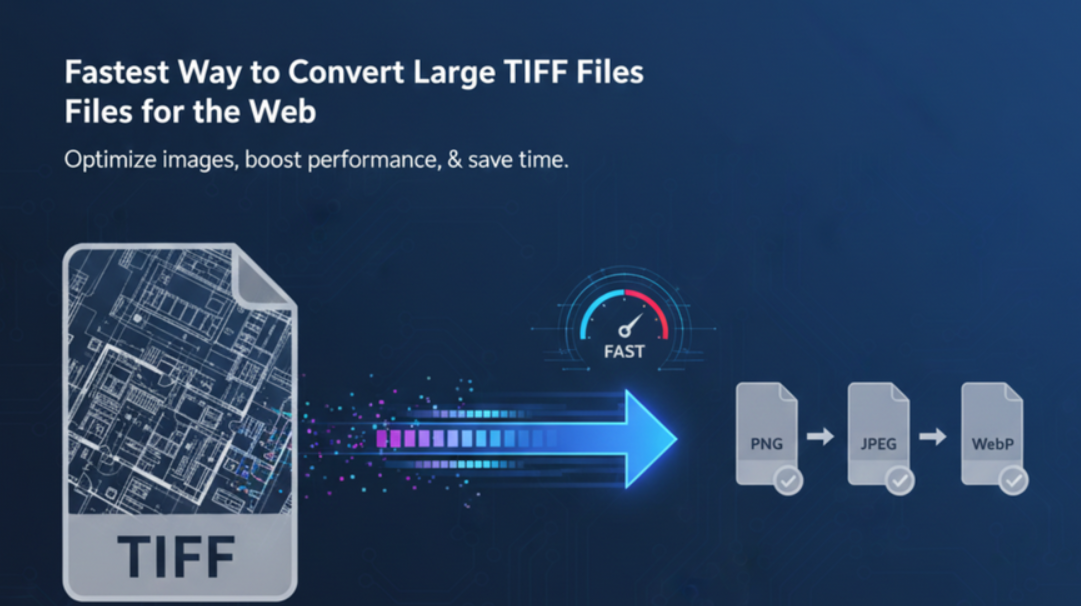
If you have ever tried uploading a TIFF file to a website, you probably noticed two things. The file loads slowly and some platforms do not support it at all. TIFF files are known for their high quality, but they are also known for being heavy.
They take up a lot of space and they are not designed for online use. Most websites prefer lighter formats because they load fast and work smoothly on all devices.
The good news is that you can convert large TIFF files into web friendly formats in just a few seconds. You do not need any software or technical skills. A simple online converter can handle most TIFF files faster than traditional programs.
In this guide, we break down why TIFF files feel so large, which formats you should convert them into, and the quickest way to get clean results that are ready for the web.
Why TIFF Files Are Not Web Friendly
TIFF files are popular in printing and professional photography. They store a lot of image data and preserve quality extremely well. This is great when you want perfect prints, but not so great when you want fast loading pages.
Here is why TIFF files struggle online:
They are very large in size
They load slowly on browsers
Many platforms do not support them
They often contain layers that increase file weight
They are not optimized for mobile screens
When your goal is performance and accessibility, TIFF is simply not the best match. Websites and apps need images that load quickly, look clean, and do not slow the user experience.
Which Format Should You Convert Your TIFF Into
Not all images need the same format. The best output depends on what you plan to do with the image. Here is a simple breakdown.
PNG
Ideal for transparency and sharp graphics
Works well for screenshots or UI elements
Keeps edges clean and smooth
JPG
Great for photos
Lightweight and easy to load
Good for general use on websites
WebP
Smallest file size with strong quality
Supported by most browsers
Perfect for performance focused pages
SVG
Best for icons, logos, and illustrations
Scales cleanly to any size
Lightweight and easy to edit
To make this easier, here is a quick comparison:
| Format | Best For | File Size | Scalability | Transparency |
|---|---|---|---|---|
| PNG | UI graphics and logos | Medium | No | Yes |
| JPG | Photos | Small | No | No |
| WebP | Photos and graphics | Very small | No | Yes |
| SVG | Icons and illustrations | Very small | Yes | Yes |
Once you understand what you need, choosing the right format becomes much easier.
The Fastest Way to Convert Large TIFF Files
Downloading bulky software is no longer necessary. Online image converters can process TIFF files very quickly. The entire conversion process happens in your browser, so you do not need to install anything. The speed comes from simple steps, clear controls, and instant processing through the tool.
Online converters are fast because:
They handle large files directly
They do not require setup time
They work from any device
They simplify the entire process
They provide results in seconds
This makes them a perfect solution for designers, developers, and anyone who needs clean web ready images.
How to Convert TIFF Files Online Using SVGMaker
You can convert a TIFF file in a few short steps. Here is the simplest way to do it.
1. Upload your TIFF file
Start by dragging your TIFF file into the converter or using the upload button.

2. Choose your output format
Select PNG, JPG, WebP, or SVG depending on what you need the file to do.

3. Convert the file
The tool processes your TIFF quickly and creates a clean web friendly version.
4. Download your new format
Save the result to your device and use it in your website, project, or design tool.
These steps take only a few seconds. Even large TIFFs convert smoothly as long as your internet connection is stable.
When You Should Convert TIFF to SVG
TIFF to SVG conversion is especially useful for illustrations, icons, logos, and flat graphics. SVG files scale cleanly without losing quality, which makes them ideal for modern screens and responsive layouts.
Convert your TIFF to SVG if:
The graphic contains clean shapes
You want crisp results on large displays
You need something lightweight
You want a file that loads fast
You want easy editing in vector tools
SVG is also perfect for web developers because it keeps pages light and improves performance.
When You Should Convert TIFF to PNG or JPG
TIFF to PNG is best when you need sharp edges and transparency. UI designers often choose PNG because it looks clean and works well in product interfaces.
TIFF to JPG is better for photos. The JPG format keeps the file small without harming the quality too much. It is widely supported and ideal for blogs, product pages, and general web content.
Both formats are good choices if you want a simple image without the complexity of vectors.
Tips to Reduce File Size Before Conversion
If your TIFF file is extremely large, you can make the process smoother by preparing the file.
Here are a few simple tips:
Remove unnecessary layers
Crop the image to remove empty space
Reduce the resolution if the output will be small
Use a vector format when possible
Avoid saving in uncompressed form
These steps help you convert faster and get cleaner results.
Where You Can Use Web Friendly Formats
After converting your TIFF file, you can use the new version almost anywhere.
Common uses include:
Websites and online stores
Mobile apps
Presentations
Social media graphics
Branding and marketing
UI design
Banners and hero sections
Once you start using lighter formats, you will notice faster load times and cleaner visuals.
Frequently Asked Questions
1. Why are TIFF files so large compared to other image formats?
TIFF files store a lot of image data with little or no compression. This makes them great for high quality printing but not ideal for websites. Their size increases loading time and can slow down online pages.
2. Can I convert TIFF files into smaller web friendly formats?
Yes. TIFF files can be converted into PNG, JPG, WebP, or SVG. These formats are lighter and load faster on websites. A simple online tool can handle the conversion in a few seconds.
3. What is the best format to convert a TIFF into for the web?
It depends on the type of image. Use PNG for graphics and icons, JPG for photos, WebP for performance, and SVG for illustrations or logos. Each format serves a different purpose.
4. Will converting a TIFF reduce the quality of the image?
Some formats like JPG use compression that may reduce quality slightly. Formats like PNG, WebP, and SVG can keep the image looking clean. The results depend on the original image and chosen output.
5. Can I convert very large TIFF files online?
Most online tools can convert large TIFF files, but performance depends on your internet connection and the file size. Preparing the file by removing unnecessary layers can help.
6. When should I convert TIFF to SVG?
Choose SVG when the image contains simple shapes, clean lines, or illustrations. SVG files stay sharp at any size, making them great for icons, logos, and user interfaces.
7. What if my TIFF file contains a detailed photo?
Highly detailed photos do not convert well into SVG. For photos, it is better to convert the TIFF into JPG or WebP. These formats preserve the look without creating huge file sizes.
8. Do I need design software to convert TIFF files?
No. You can convert TIFF files directly in your browser. There is no installation required and no technical background needed. Upload the file, choose an output format, and download the result.
9. Can I use converted images for websites and apps?
Yes. Converted files like PNG, JPG, WebP, and SVG work well on websites and mobile apps. They load fast, stay sharp, and are supported by most platforms.
10. Is it safe to convert TIFF files online?
Most online converters process your image inside the browser. This means your file is not stored on external servers. It is a fast and secure way to convert images.
Conclusion
Converting large TIFF files into web friendly formats is one of the simplest ways to improve performance and design workflow. You do not need special tools or complex software. A quick online converter can turn your heavy TIFF files into clean, lightweight images that look great and load fast.
If you want to convert TIFF files easily, you can use SVGMaker. We offer a simple and fast online tool that helps you create web ready formats without extra steps or technical setup. It is an easy way to work with smooth graphics that are ready for any project.